
QuickBooks Services
QuickBooks Bookkeeping: What a Clean File Actually Requires
 By Maya Slivkov · · 6 min read
QuickBooks bookkeeping is only as useful as the file behind it. A chart of accounts set up without structure, bank feeds that stopped matching months ago, or transactions dumped into the wrong categories — these don’t fix themselves. The Bookkeeping Company cleans up and manages QuickBooks files for small businesses across the United States, entirely remotely.
By Maya Slivkov, Tax Strategist & Founder · Last updated November 2026
What Makes a QuickBooks File Break Down
Most QuickBooks problems trace back to a handful of common causes. The “working” file that actually isn’t is more common than people expect.
- Default chart of accounts nobody customized: QuickBooks ships with a generic template. When expenses land in catch-all categories because there’s no better option, the P&L stops being readable and deductions get missed.
- Transactions entered and downloaded at the same time: If someone manually enters a payment while the bank feed also downloads it, both versions land in the file. Duplicates pile up silently.
- Bank feeds connected but not reviewed: Transactions sit in a review queue. If nobody clears that queue regularly, the register and the bank statement drift apart month by month.
- Payroll run outside QuickBooks but not journaled in: Gusto, ADP, and Paychex don’t automatically post to QuickBooks. Without a monthly journal entry, payroll exists in the payroll system but not in the books.
The most expensive version: a business that’s been using QuickBooks for two or three years and never closed a single month. Everything has an entry, but nothing has been reconciled. The file opens — the numbers inside it are wrong.
That’s where our monthly bookkeeping service picks up: a proper monthly close, every account reconciled, every period locked.
What QuickBooks Clean-Up Actually Involves
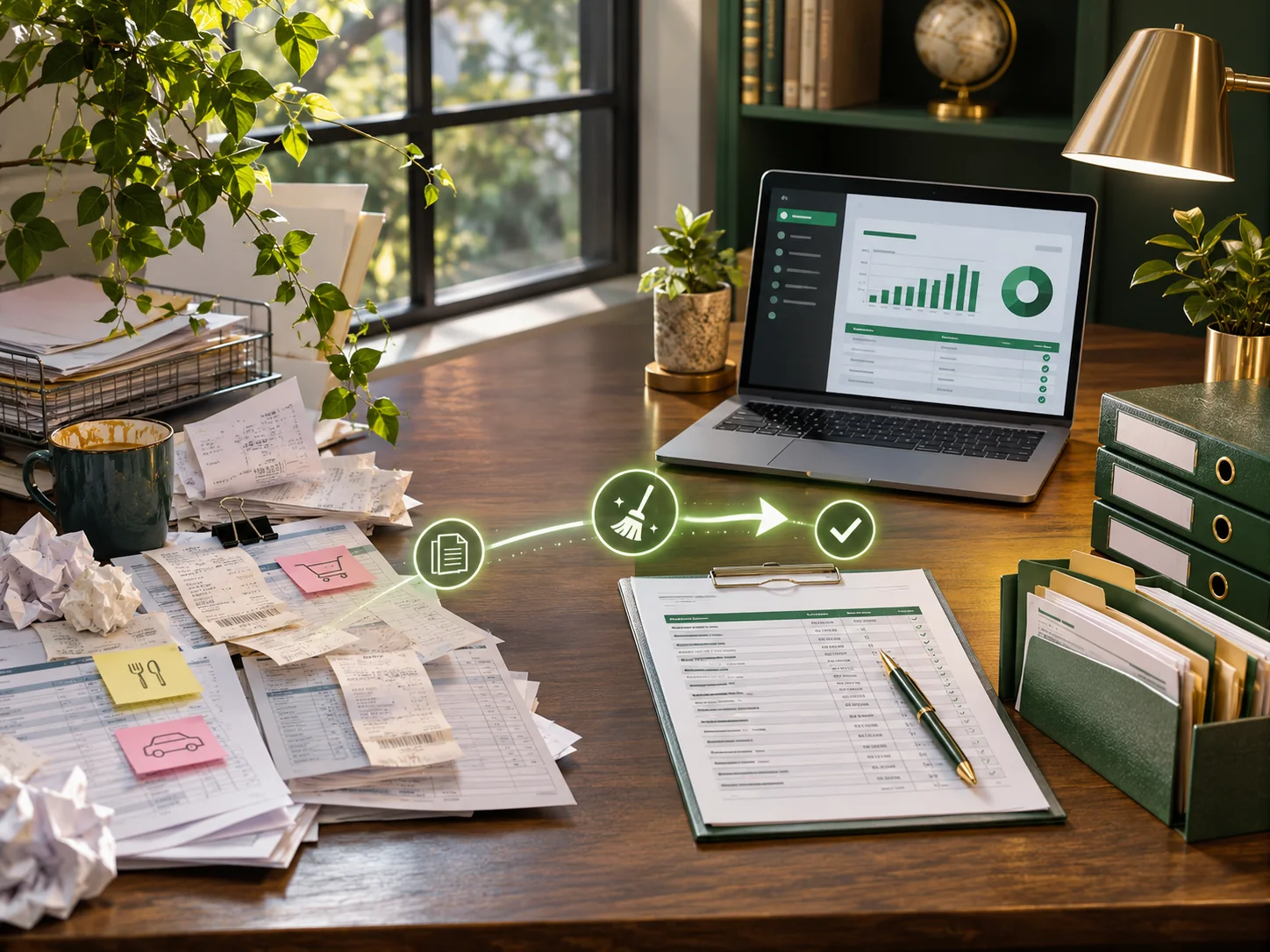
Cleanup is methodical. The order matters, and skipping steps creates more work.
The first step is always the chart of accounts. There’s no point reconciling transactions into wrong categories. The chart needs to reflect how the business actually earns revenue and spends money, not QuickBooks’ defaults. That means renaming accounts, adding sub-accounts where the business needs them, merging duplicates, and removing categories that don’t apply.
Second: transaction review. Each historical period gets combed through — duplicates removed, miscategorized entries corrected, missing transactions identified. For businesses that entered data both manually and through a live bank feed, this is where most of the cleanup hours go.
Third: reconciliation, month by month, working forward from the oldest unreconciled period. This is the step that confirms the books match the bank. If they don’t, the difference has to be found and explained. Common sources: a check that cleared but was never entered, a voided transaction that wasn’t removed, or an outstanding transfer that got categorized as income.
Cleanup is priced per month of backlog, separately from the ongoing monthly engagement.
Why Bank Feeds Stop Reconciling
Bank feed issues have three common sources.
- Expired authentication: Most banks require re-authentication periodically. When the token expires and nobody renews it, the feed stops downloading while transactions keep processing at the bank. The gap has to be filled manually from bank statements.
- Duplicate transactions: If someone entered a payment manually while the feed was also active and downloaded the same transaction, both versions land in the file. When you reconcile, one has to be found and removed.
- Matching rules that stopped working: QuickBooks uses rules to categorize recurring transactions. If the bank changes how a payee name appears in the feed, the rule stops matching. Transactions pile up unreviewed in the register.
QuickBooks’ own reconciliation troubleshooting guide covers some common causes, but finding the specific source of a discrepancy usually means looking at the actual file. There’s no shortcut.
Should a Bookkeeper Be Managing Your QuickBooks?
QuickBooks is software, not an accounting department. It records what you tell it to record — it doesn’t catch duplicate entries, flag wrong categories, or reconcile anything on its own.
For most small businesses, the question isn’t whether to use QuickBooks. It’s who’s reviewing the file.
- Owner-managed: Works at low volume with simple, predictable transactions. Breaks down when transaction count climbs, payroll gets complex, or nobody has time to clear the review queue.
- Part-time bookkeeper: Only as reliable as their QuickBooks knowledge. Someone unfamiliar with proper workflow can compound problems without realizing it.
- Outsourced bookkeeper: Consistent monthly closes, all accounts reconciled, file maintained properly. We work inside the client’s existing QuickBooks file — no migration, no new subscription.
Well-kept books also affect your tax preparation at year-end. A clean, reconciled QuickBooks file is what makes tax prep straightforward. When the file is a mess, the CPA either does cleanup at tax-prep rates or files based on incomplete information. Neither is good.

What Changes When We Take Over
When a bookkeeper takes over a QuickBooks file, the same process applies regardless of what state the file is in.
- Login and software review: Accountant-level access to the client’s QuickBooks account. The client keeps their own login and all features.
- Chart of accounts review: Evaluated before any monthly work begins. If it needs restructuring, that happens during onboarding.
- Bank and credit card feed check: Connected accounts are verified, feeds are confirmed active, and authentication is current.
- Historical review: The last several periods are reviewed before the first monthly close. If significant backlog exists, it’s scoped and priced separately.
The QuickBooks subscription stays in the client’s name. We work as an accountant user — not as the account owner. Plan tier changes are always the client’s decision.
Maya is an AIPB-accredited bookkeeper and QuickBooks Elite Certified ProAdvisor. If your QuickBooks file needs a cleanup or a new bookkeeper, call (360) 524-9889 or use the contact form at thebookkeepingcomp.org.
Frequently Asked Questions
Our QuickBooks is a mess — can it be fixed or should we start over?
Almost always fixed — starting over means losing your transaction history and triggering a fresh set of opening balance issues. The right answer depends on how the file is structured and how far back the problems go. Cleanup works from the chart of accounts forward: fix the structure, then reconcile period by period. Most files, even years-long messes, are worth cleaning rather than abandoning.
Why will the bank feed not reconcile?
Most bank feed reconciliation failures come down to one of three things: expired bank authentication that cut the feed off mid-month, duplicate transactions from both manual entry and an active feed, or matching rules that stopped working after a payee name changed. The fix requires looking at the actual file — there’s no universal answer. Finding and resolving the specific discrepancy is what the cleanup process covers.
What does a clean-up involve, and how long does it take?
Cleanup starts with the chart of accounts — restructuring categories before touching transactions. Then each historical period is reviewed and reconciled, working forward from the oldest unreconciled month. Timeline depends on how far back and how complete the records are. A three-to-six month cleanup with complete bank statements typically runs two to four weeks. A year or more with incomplete records takes longer and is priced per period.
Will you work in our file, or move us to a new one?
We work in the existing file. Starting a new file means losing history, which creates problems at tax time and makes year-over-year comparisons impossible. Even severely disorganized files are cleaned in place. If the existing file has an unresolvable structural problem — duplicated company data, corrupted entries — we’ll flag it. That’s rare; the more common case is a file that’s messy but intact and cleanable.
Do we keep our QuickBooks subscription, or does that change?
Your subscription stays in your name. We work with accountant-level access — a separate login that doesn’t change your plan, your login, or your subscription terms. QuickBooks plan upgrades or downgrades are your decision, and we can advise on whether your current plan fits the volume and features the engagement needs. Most small business clients on Simple Start or Essentials don’t need to upgrade when we take over.
Contact The Bookkeeping Company
The Bookkeeping Company: Tax Strategies & Planning Vancouver, WA Phone: (360) 524-9889 Book a call: (360) 524-9889 — or use the contact form on our website Serving small businesses across the United States, with a local presence in Vancouver, Orchards, and Clark County, WA. |
This article is general information, not tax advice for your situation. Every case is different, and tax law changes.
Want to talk through your own numbers?
Book a 20-minute discovery call with Maya.
Book a discovery call